Power Blocks Block Puzzle
Review
Power Blocks offers a satisfying puzzle experience with 60 levels that gradually increase in difficulty. The drag-and-drop controls are intuitive, and the colorful blocks make the game visually pleasant. It is ideal for short sessions or longer play, providing a relaxing way to improve spatial reasoning. The undo and hint features reduce frustration, making it accessible to all skill levels. A solid choice for puzzle fans.
Full story
Game Introduction
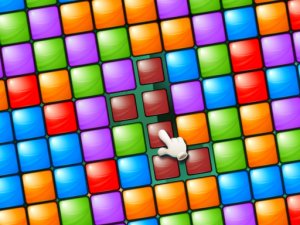
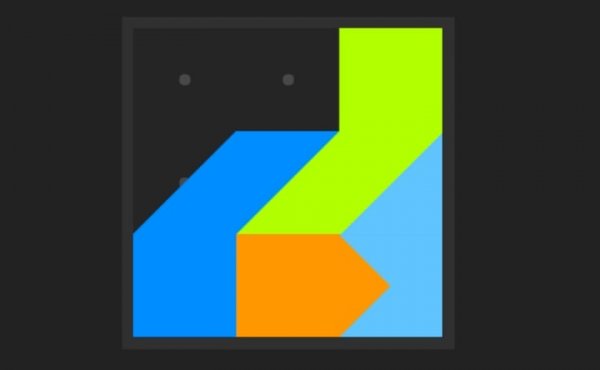
Power Blocks is a puzzle game that challenges your spatial reasoning. The objective is straightforward: use blocks of various shapes to completely fill a given playing field. Each level presents a unique layout, requiring careful thought to find the correct arrangement for every piece. The game features 60 levels, with complexity gradually increasing to keep your mind active and entertained. Colorful blocks and a clean interface make it suitable for casual players and puzzle enthusiasts alike. Whether you have a few minutes or an hour, Power Blocks provides a relaxing way to unwind while exercising your brain.
How to Play
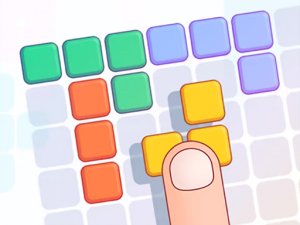
To play Power Blocks, drag blocks from the bottom of the screen onto the playing field. Each block has a specific shape, and you must fit them together like a jigsaw puzzle without overlapping. The goal is to fill all empty spaces on the board completely. If you get stuck, you can undo a move or restart the level. The game offers hints if needed, but solving puzzles on your own provides the most satisfaction. As you progress through the 60 levels, puzzles become more challenging, requiring careful planning and patience.
Game Features
Game features include 60 unique levels that offer a variety of challenges. Colorful block designs make the game visually appealing. Relaxing gameplay allows you to play at your own pace. Intuitive drag-and-drop controls make it easy to pick up and play.
Tips for Success
To succeed in Power Blocks, start by placing larger blocks first to cover more area. Look for patterns and try to fill corners early. If a move doesn't work, use the undo feature to try a different approach. Take your time and plan ahead—rushing can lead to mistakes. Practice regularly to improve your spatial reasoning skills. If you get stuck, use a hint sparingly to learn new strategies.
✅ Compatibility & Testing
All games on this site are manually tested on: • Desktop (Windows 11, macOS Ventura) • Mobile (iPhone 14, Samsung Galaxy S23) • Tablet (iPad Pro, Android tablet) 📌 Supported browsers: Chrome, Safari, Edge, Firefox (latest versions) 📌 Not supported: Internet Explorer, older browser versions