
Core Workshop Loop
Crafty Anvil centers on a single repeated action: tapping an anvil to produce raw materials. Those materials convert automatically into finished goods, and selling those goods earns in-game currency. The loop stays intentionally simple, so you always understand what your workshop is doing. Visual cues confirm each tap and each completed item, which removes guesswork about production status. The game does not ask you to manage complex supply chains or juggle multiple screens. Instead, it rewards steady, low-effort interaction.
Upgrading Your Equipment
Currency from sales can be reinvested into better equipment. Upgrading the anvil increases the speed at which materials are generated. New tool attachments expand the variety of items your workshop can produce. Each upgrade visibly changes the workshop, so progress is easy to see rather than buried in a menu. This creates a clear decision point: spend now on speed, or save for a tool that unlocks new product types. Both paths feed back into the same production cycle.
Idle Progression and Return Rewards
When you close the game, the workshop continues to operate. Raw materials accumulate, and finished goods stack up, ready for collection when you return. This design suits players who prefer short check-ins over continuous play. The game does not punish absence; it converts time away into stored output. That makes Crafty Anvil a reasonable fit for quick sessions during a break or before bed, rather than a game that demands long sittings.
Visual Style and Platform Fit
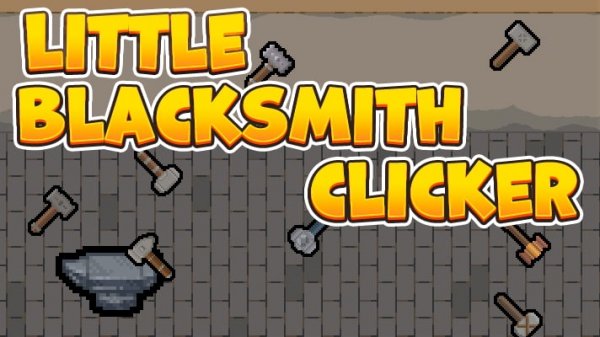
The interface uses clean, bright colors with simple animations that make each tap feel responsive. Material and tool icons are easy to distinguish, helping you quickly identify what each part of the workshop does. Crafty Anvil runs in most modern web browsers on desktop and mobile devices. Controls adapt to touch or mouse input, so the experience stays consistent whether you play on a phone, tablet, or computer.








Comments
0 comments