
A Single Press, A Random Destination
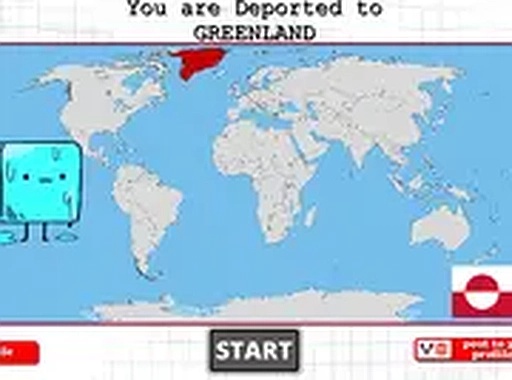
Timing World Explorer is built around one decision: when to pause. The game plays out on screen, and your only job is to press the pause button at what feels like the right instant. That timing determines where on the world map you land. The result is often unexpected and sometimes funny, which is the point. There are no levels to memorize and no complex controls to learn. The entire interaction is a tap or click, so the game works the same way on a phone, tablet, or desktop browser.
Why Short Rounds Matter
Because each round finishes quickly, the game fits into small breaks. You can play several attempts in a row without committing to a long session. That structure also makes practice easy: every pause gives immediate feedback, so you can adjust your instinct from one attempt to the next. The world map is the reward screen, and seeing which location appears next is what keeps the loop engaging. There is no score to chase and no penalty for a bad guess, so the pressure stays low.
Browser-Based and Free to Start
The game runs directly in a browser with no download, installation, or registration. You can open it and start playing within seconds. A full-screen mode is available if you want a cleaner view, which is useful on smaller screens where browser bars can distract from the timing. Since the game is free to play, there is no cost barrier to trying a few rounds and seeing whether the pause mechanic clicks with you.
Who Will Enjoy It
Timing World Explorer suits players who like light arcade challenges that do not demand long sessions or deep strategy. If you enjoy games where instinct and a bit of luck decide the outcome, this one delivers that in a compact format. It is less suited to players looking for progression systems, story, or competitive scoring. The appeal is the surprise of each result and the small skill of learning when to press.






Comments
0 comments