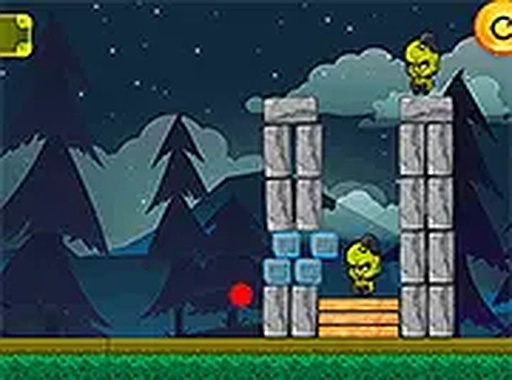
Urban Guardian Defense Quest offers a refreshing take on the defense genre by focusing on strategy rather than speed. The ability to destroy buildings to control creature movement adds a clever puzzle element. Upgrading tools and armor provides a sense of progression, while the 3D graphics are impressive for a browser game. The lack of time limits makes it accessible for all players. A solid choice for fans of thoughtful action games.
Urban Guardian Defense Quest is a browser-based strategy game where players act as a city protector facing a creature invasion. The main goal is to clear each level by using various tools to remove obstacles and overcome creatures. What sets this game apart is the focus on planning and tool upgrades. Players can destroy parts of the city to create paths or block creatures, adding a layer of strategy. The game features realistic 3D visuals and runs directly in a web browser without any downloads. There are no time limits, allowing players to think through each move carefully. This combination of demolition and equipment enhancement makes each level a unique puzzle to solve.
Players control their character using mouse clicks on a computer or touch taps on a mobile device. On-screen buttons let players activate tools, reload, and switch between different items. The objective is to complete each level by clearing all creatures from the city. If the character is defeated, players can respawn and continue. The game may include options to adjust graphics settings for smoother performance on different devices.
Key features include multiple levels with different layouts, a variety of tools and power-ups to use, and an upgrade system to improve equipment. The game offers realistic 3D graphics and the ability to destroy buildings for strategic advantage. Players can adjust graphics settings to ensure smooth gameplay. The game is free to play and works directly in a browser without any installation.
Focus on upgrading your tools and protective gear regularly to increase effectiveness. Study each level layout and use building destruction strategically to control creature movement. Practice aiming and switching between tools quickly to handle different creature types. Since there is no time limit, take your time to plan each move and avoid unnecessary risks.






Comments
0 comments