
Aiming and Trap Mechanics
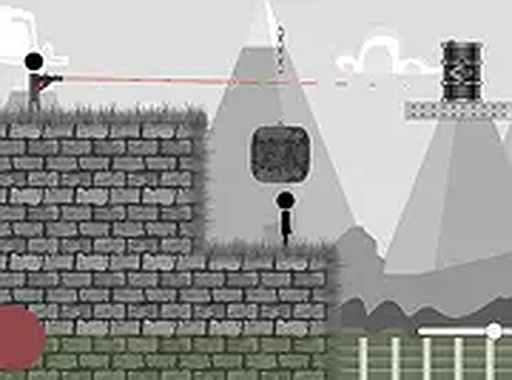
Stickman Quest Arcade Adventure hands you a single stickman and a screen full of opponents. The mouse serves as your aiming tool; a click executes the action. What separates this from a straightforward clicker is the trap system. Environmental objects can be triggered to capture or remove enemy stickmen, letting you thin out a crowd without exposing yourself. Deciding when to fire directly and when to lure enemies toward a trap forms the core tactical loop. [IMG_1]
Level Structure and Difficulty Curve
Every stage presents a fresh arrangement of stickmen and obstacles. The objective never changes: clear all stickmen from the screen to advance. What shifts is the layout. Early levels keep enemy positions simple, while later stages demand quicker reactions and more deliberate trap placement. Because the game runs in a browser with no download, restarting a difficult level costs nothing but a page refresh. [IMG_2]
Controls and Platform
The game is built for desktop play with keyboard and mouse input. Mouse aim and click cover the main actions, and full-screen mode is available for a larger view of the battlefield. There is no touch or gamepad support mentioned, so a computer with a standard mouse is the intended setup. The free-to-play browser format means no installation step stands between you and the first level. [IMG_3]
Who This Suits
Fans of stickman-themed action games will recognize the visual style immediately. The trap mechanic adds a layer of planning that pure reflex games lack, so players who enjoy pausing to read a layout before acting will get more from it than those who click purely on instinct. Sessions are short by design, making it easy to play a few levels and stop.





Comments
0 comments