
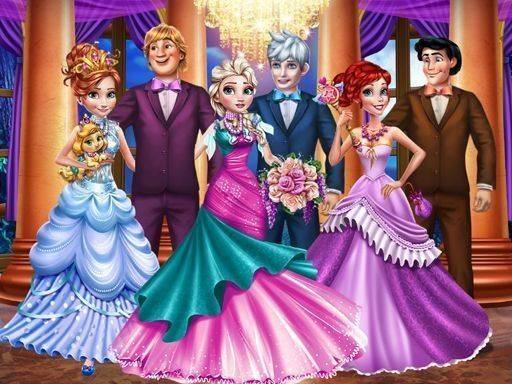
Choosing a Royal Character
Royal Attire & Palace Design starts with a small roster of royal characters. Each has a distinct look, so children can assign different personalities as they play. The selection screen is deliberately simple, which makes it easy to restart and try a new combination. Because the cast is limited, kids often return to the same characters and experiment with fresh outfits rather than moving on after one attempt.
Mixing and Matching Outfits
Once a character is chosen, players browse categories of clothing and accessories. Gowns, shoes, crowns, and jewelry are all available. A tap or click applies an item instantly, so mixing and matching feels immediate. There is no wrong answer and no scoring system, which keeps the focus on personal taste. Children can layer pieces until they find a combination they like, then move on to finishing touches.
Finishing Touches and Ballroom Decoration
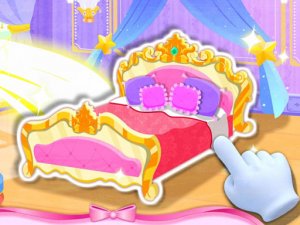
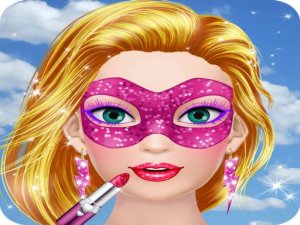
After the outfit is complete, players can add subtle style enhancements such as blush, lipstick, or eye shadow. These options are limited on purpose, so young users are not overwhelmed. The final creative task shifts to interior design: decorating a palace ballroom with banners, flowers, and chandeliers. Placing these items encourages spatial awareness as children arrange objects to create a festive atmosphere. The room layout responds to their choices, making the design stage feel connected to the earlier dress-up work.
The Celebration Animation
When all preparations are finished, a short animation shows the character dancing in the decorated ballroom. This moment provides closure and reinforces the theme of a successful celebration. The animation is simple and charming, and it gives children a clear reward for completing both the outfit and the room. Because the sequence is brief, it does not interrupt repeated play; kids can return to the start and create a new look right away.



Comments
0 comments