
Two Characters, Two Aesthetics
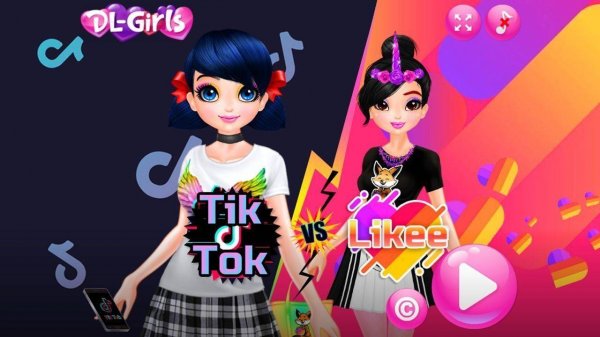
Style Queens: Creative Wardrobe Studio begins with a choice between two characters. Each has a distinct personality that shapes their fashion preferences: one leans toward playful, bright ensembles, while the other favors elegant, polished outfits. This difference is not a restriction but a gentle guide. Players can follow the character's preferred aesthetic or mix elements freely, which makes the styling process feel open rather than prescriptive.
Drag-and-Drop Styling Tools
The studio organizes clothing into clear categories: tops, bottoms, dresses, and outerwear. Accessories such as hats, jewelry, and bags add detail, while hairstyles and color options fine-tune the overall look. A virtual makeup section covers lip color, eye shadow, and skin tones. Everything is applied through straightforward drag-and-drop mechanics, so experimenting with combinations stays quick and visual. [IMG_1]
Pose, Photograph, and Save
After styling, players select a background scene to set the mood, choosing from casual indoor settings, outdoor gardens, or cityscapes. A pose selector lets the character strike different stances, and the camera tool captures the final look as a picture or short video. These images can be saved or shared on the in-game profile, turning each finished outfit into a keepsake. [IMG_2]
Comparison and Personal Gallery
A lighthearted comparison feature lets players see how their styled characters stack up against each other. It is not a win-lose scenario but a way to appreciate different creative choices. The virtual profile acts as a personal gallery, displaying all saved looks and videos. This encourages revisiting and refining previous designs, which supports ongoing engagement without pressure.
Accessible and Family-Friendly
Controls are designed for players of all ages and skill levels. No reading is required to navigate the main menus, and all actions are visual and intuitive. The content is entirely family-safe, with no advertisements or external links. The game runs smoothly on most devices and loads quickly, making it suitable for short play sessions or longer creative marathons.







Comments
0 comments