
Hold-to-Accelerate Controls
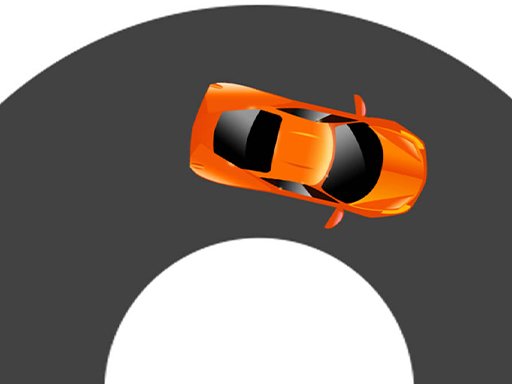
Road Journey Arcade Driving Game uses a single-touch control scheme: press and hold anywhere on the screen to build speed, release to let the car slow down, and steer left or right to change lanes. There is no separate brake or gas button, so every input is about timing. The car responds immediately, which means small adjustments matter more than large swipes. Because the game runs in a browser, you can start a session without installing anything or creating an account.
Traffic Patterns and Risk
The road is filled with other vehicles moving in the same direction. Your job is to weave through them without stopping. Colliding with any car ends the run instantly, so the real challenge is reading gaps before they close. Traffic density increases as you progress, forcing you to decide whether to hold speed and thread a narrow opening or ease off and wait for a safer lane. That constant trade-off between speed and safety is what gives each run its tension.
Session Length and Difficulty Curve
Runs can last a few seconds or several minutes depending on how well you manage speed. The difficulty rises gradually, so early traffic is sparse and forgiving while later sections demand faster decisions. This makes the game suitable for short breaks as well as longer attempts where you try to beat a previous distance. Colorful visuals keep the road readable, and smooth performance helps you react to sudden lane changes without lag interfering.
Who This Game Suits
Players who enjoy reflex-based arcade challenges will find a straightforward loop here: accelerate, dodge, survive, repeat. The controls are simple enough for casual players, but the one-crash rule means there is no room for careless driving. If you prefer games with deep customization or story, this is not that. If you want a free, instantly playable test of focus and timing, Road Journey Arcade Driving Game delivers exactly that.







Comments
0 comments